



























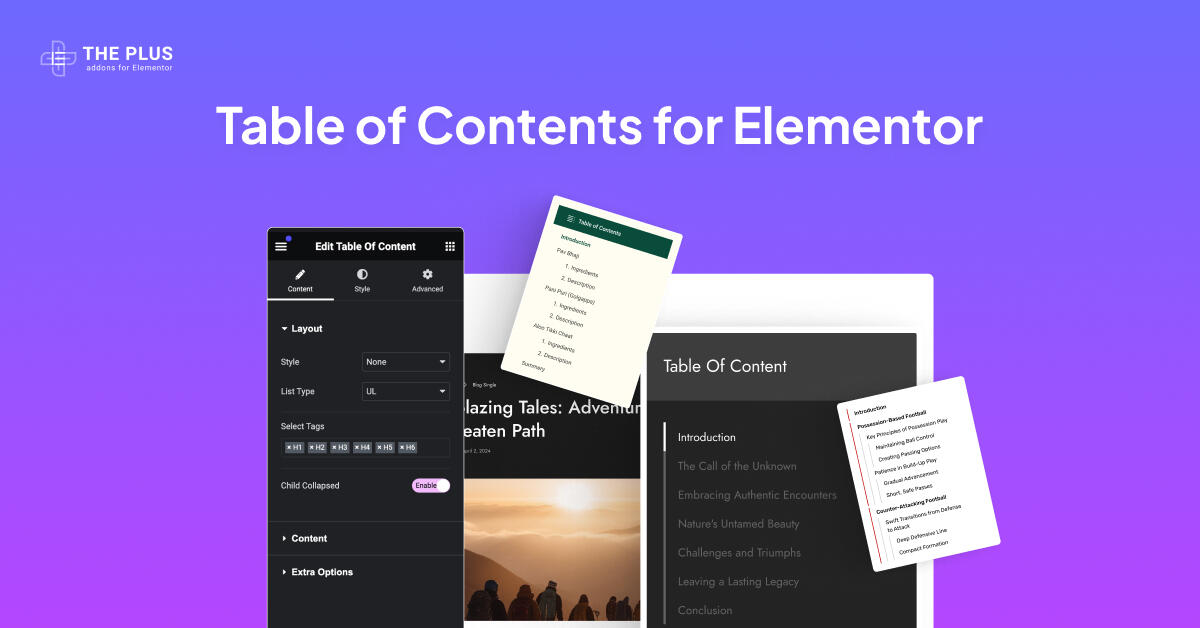
Help your site visitors find what they want using the Elementor Table of Contents widget. Choose from multiple styles, customize titles and icons, and improve navigation with smooth scroll,...
Archives
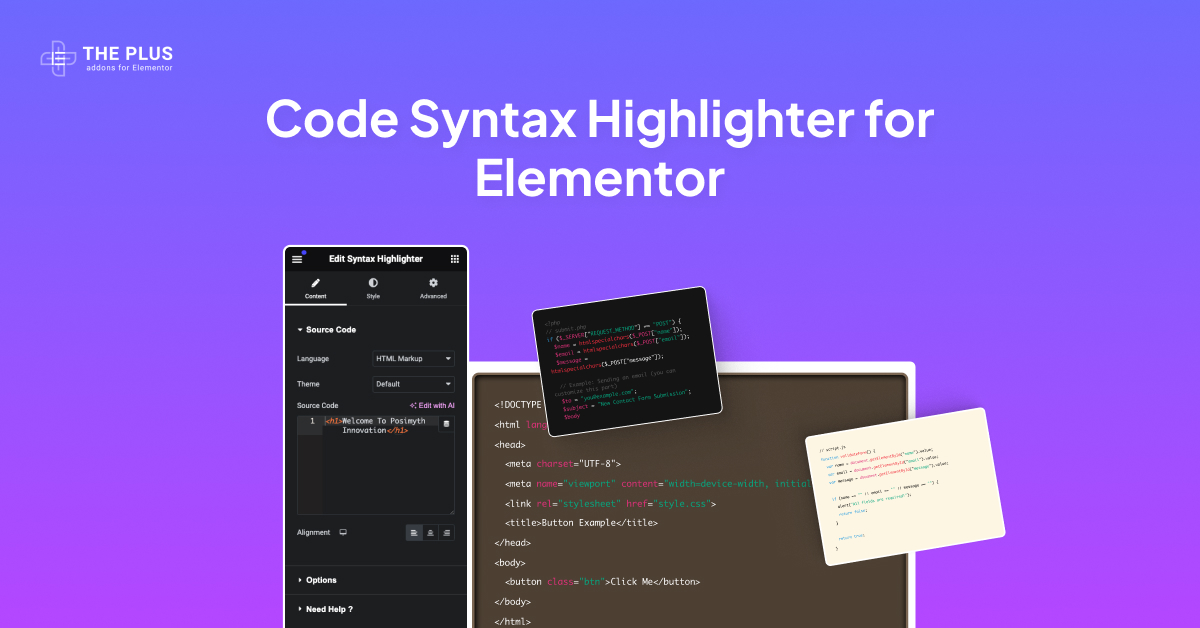
Display your code snippets with Elementor Syntax Highlighter. Supports multiple languages including C, JavaScript, Python, CSS, HTML Markup and more. Choose from stylish themes and easily integrate a Copy...
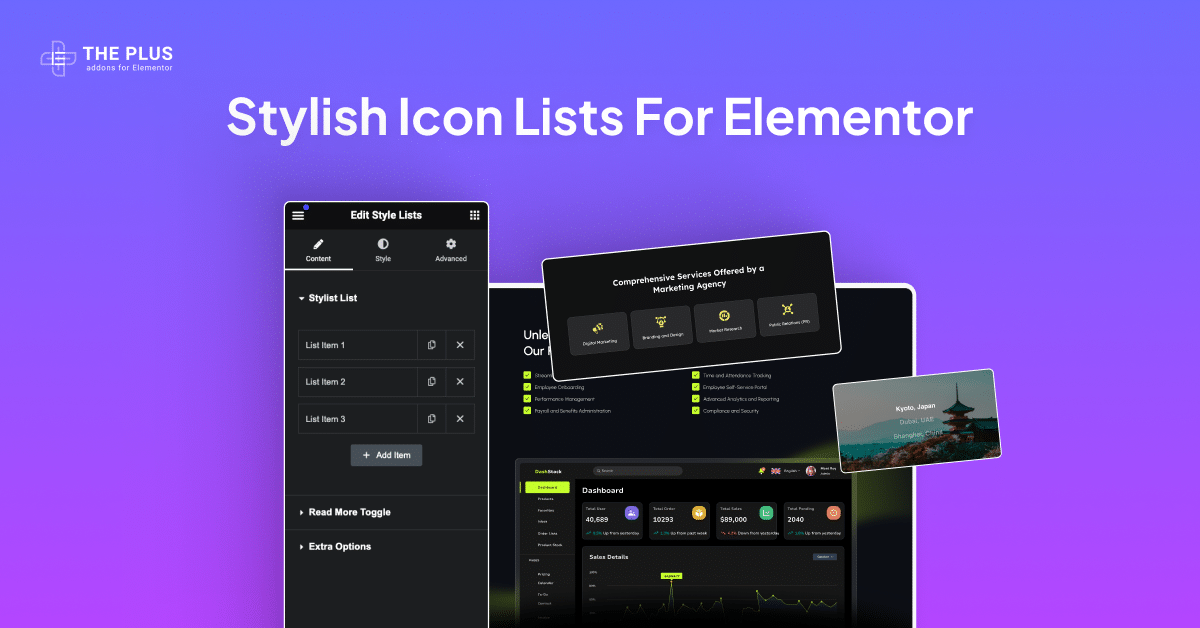
Create a stunning list in Elementor. Using this widget, you can create an Icon list and add Read More. Additionally, you can add interactive link effects with tooltips.

Make your content shareable with Elementor Social Sharing Buttons. Choose from horizontal, vertical, or toggle layouts, add unlimited buttons, and show follower/share counts for 20+ platforms including Facebook, Twitter...

Connect With Your Website Audience on Social Media Easily With Social Icons for Elementor. Expand Your Reach on Multiple Social Platforms With 15+ Unique Customizable Icon Styles.

Safeguard your valuable content using Multiple Passwords or WordPress User Roles with the Elementor Protected Content widget. Restrict access based on user permissions for tighter security.
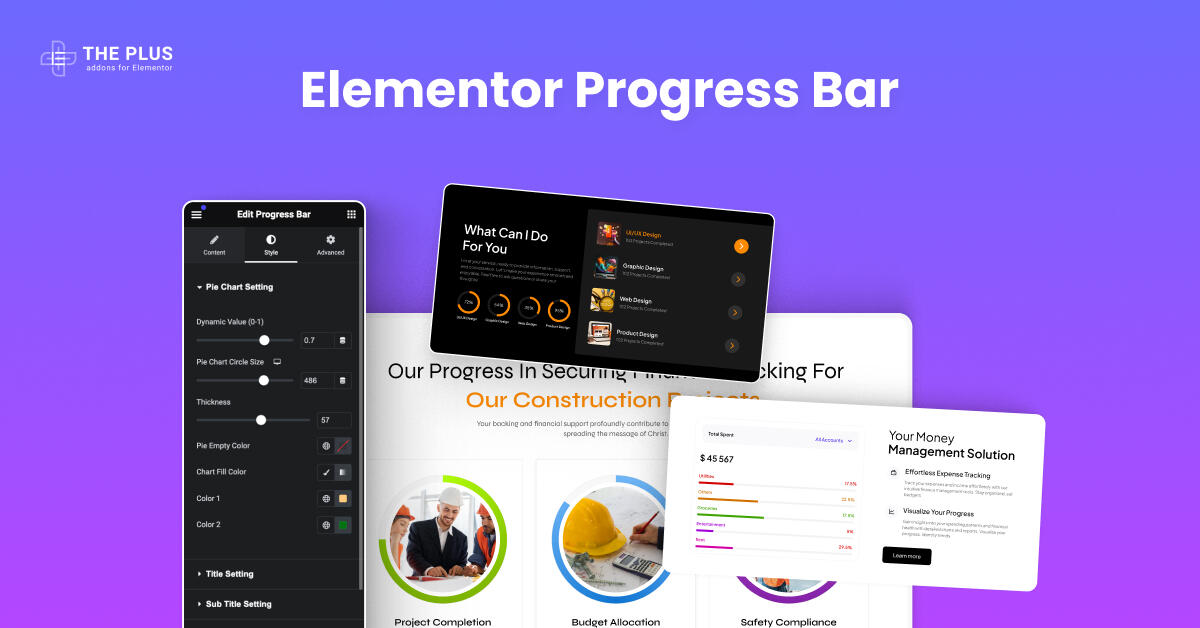
Add interactive Progress Bars to your WordPress site for free. Display Circle Progress Bar, Skill Bar, Value Bar, Percentage Bar and more using this amazing, versatile, and fully customizable...
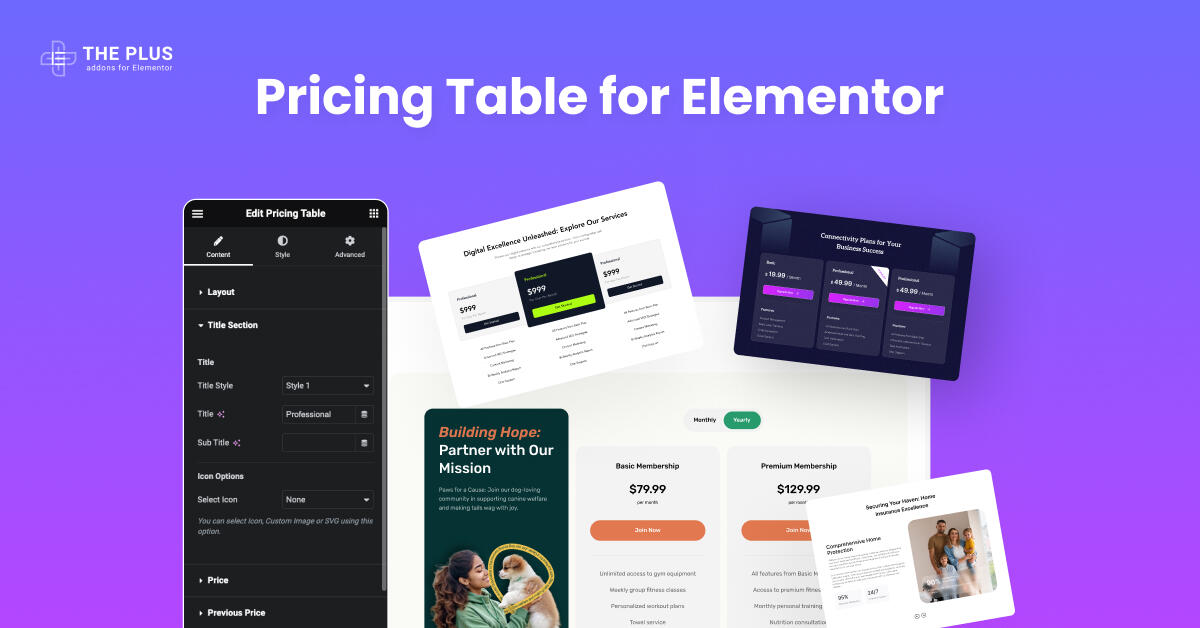
Advanced Elementor Pricing Table With Multiple Layouts for High-Converting Pricing Pages. Connect With Switcher to Show Yearly/ Monthly Plans.
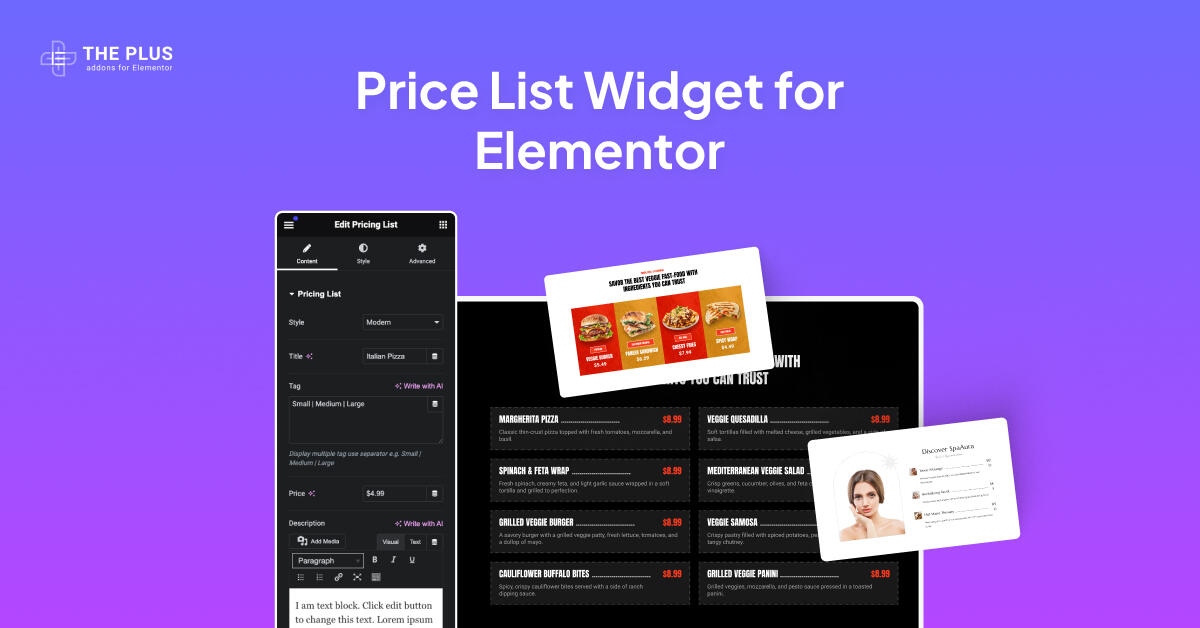
Showcase your pricing without coding with Elementor Price List widget. Choose from modern, simple, or classic styles, and add images or Lottie icons to create a stylish, eye-catching display...
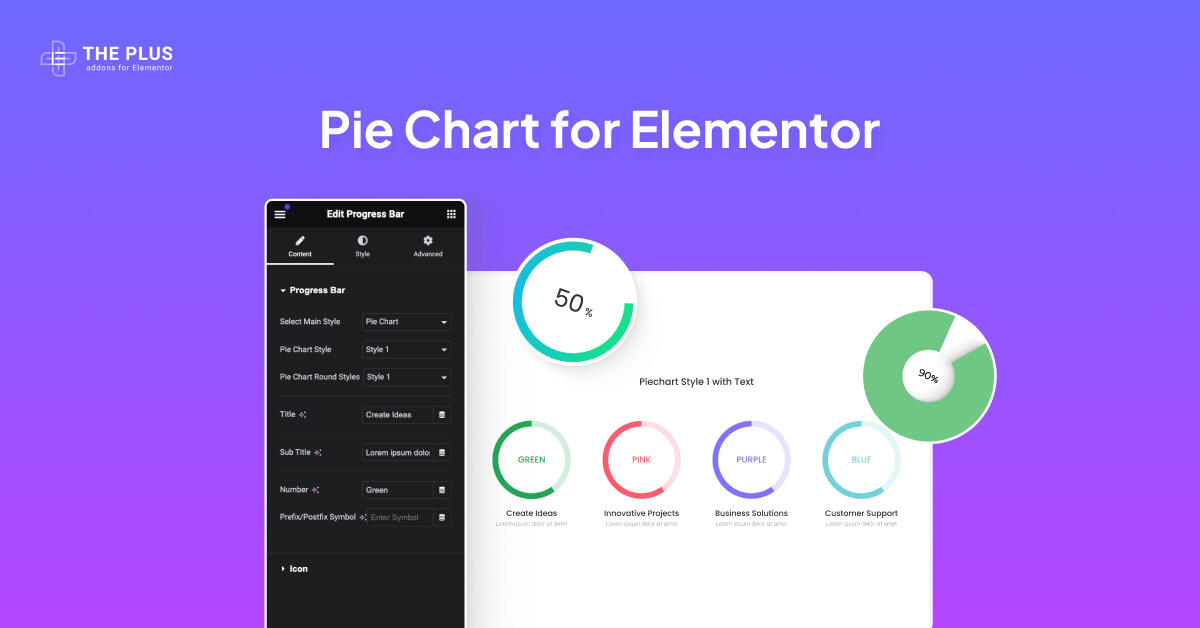
Easily create a data-driven Elementor Pie Chart to display important information. Customize styles, add text, icons, images, and Lottie animations without coding. Create custom titles, subtitles, and symbols for...